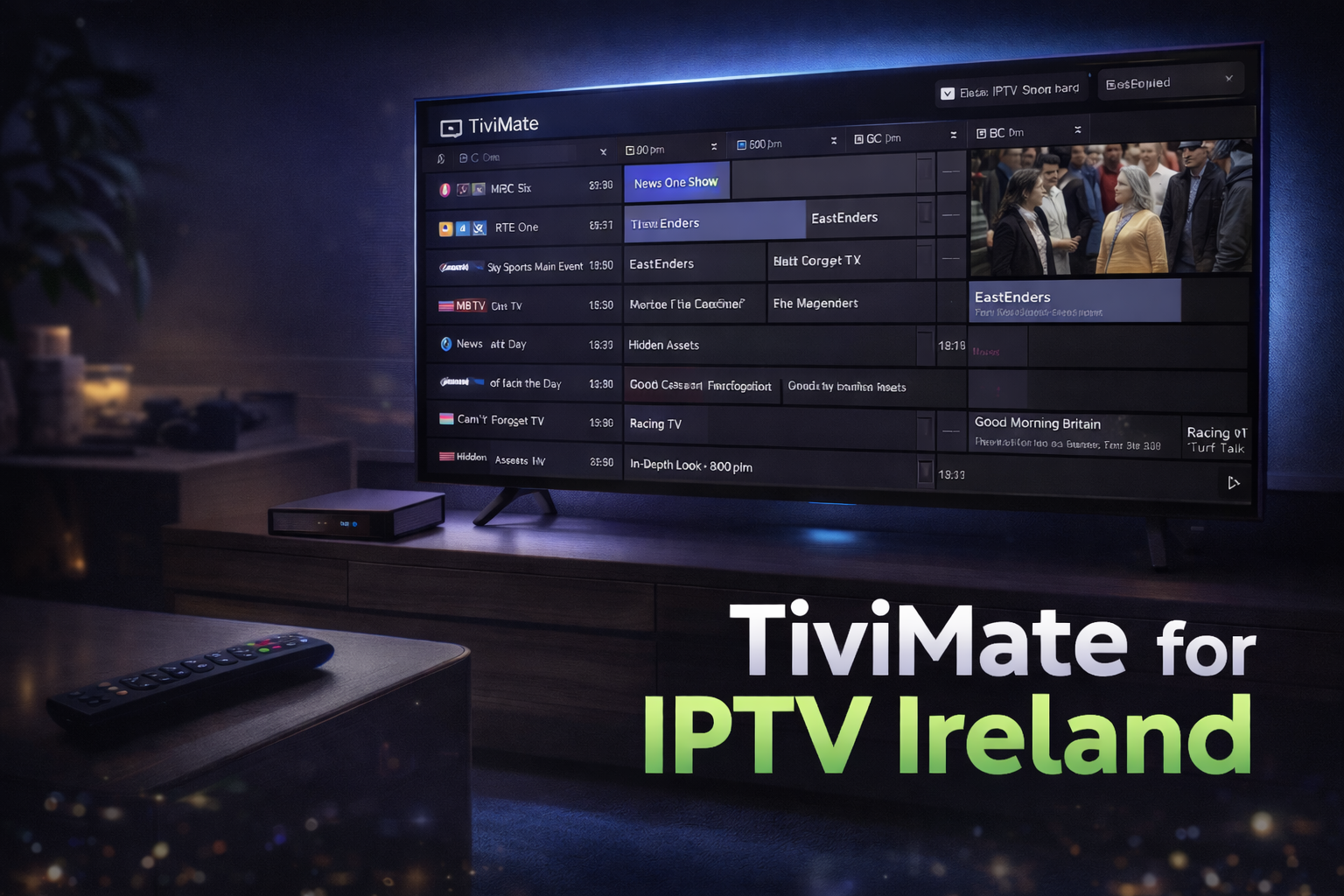
If you’re looking for a professional, powerful, and smooth IPTV player, TiviMate is widely considered one of the best options available today. Designed specifically for Android-based streaming devices, it provides a clean, modern, and highly customizable interface that enhances your IPTV viewing experience.
Whether you’re new to IPTV or an experienced user, this guide will explain what TiviMate is, how to install it, how to set it up with your IPTV Ireland subscription, and why it stands out from other IPTV players.
What Is TiviMate?
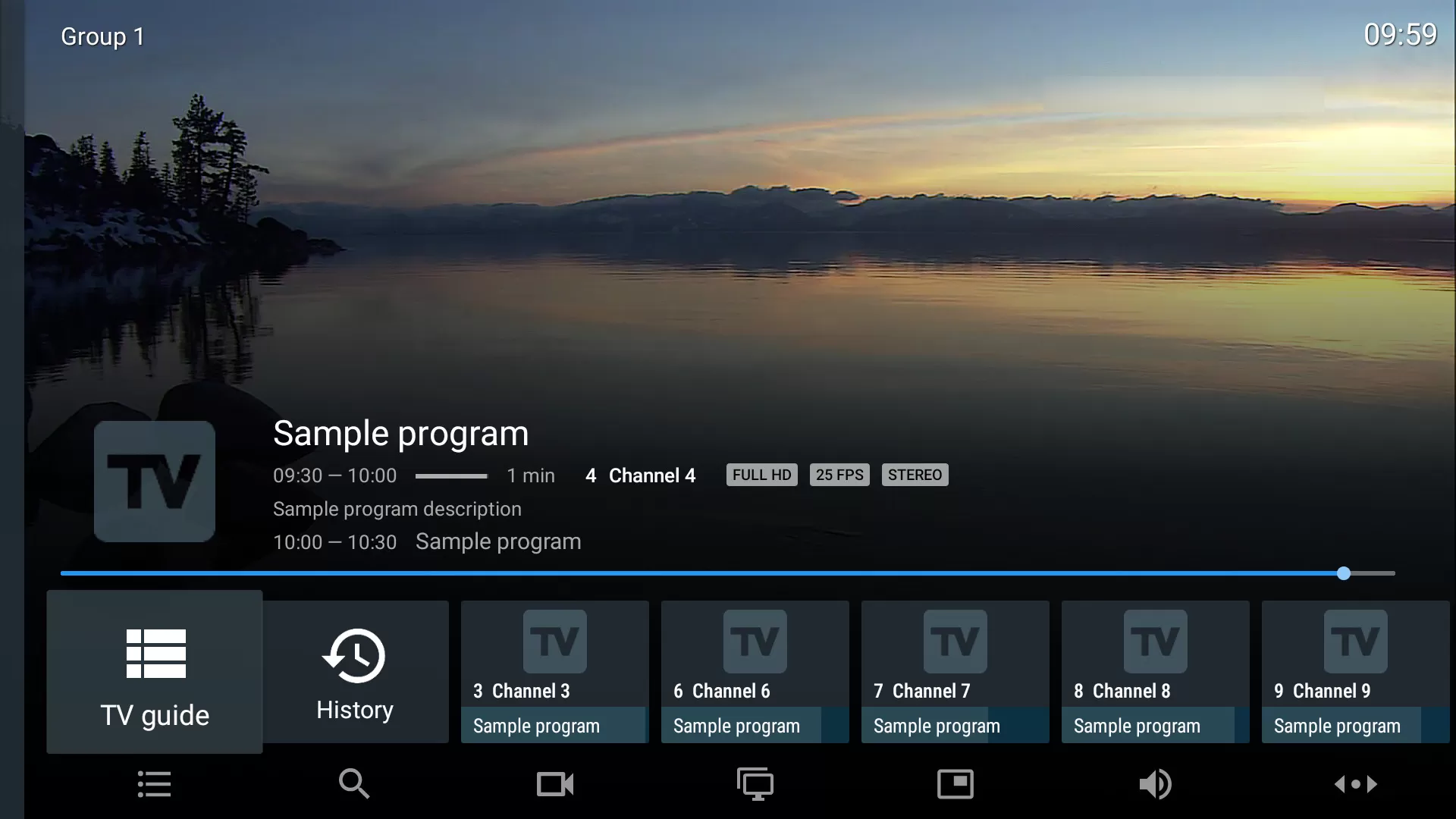
TiviMate is a premium IPTV player designed for Android TV, Android Boxes, Nvidia Shield, and Amazon Firestick. Unlike many IPTV apps, TiviMate does not provide channels or content on its own — instead, it works as a professional media player where you can add your own IPTV subscription.
This makes TiviMate an excellent choice for users who already have a reliable provider like IPTV Ireland, allowing them to enjoy high-quality streaming with advanced playback controls, smooth navigation, and powerful features.
Key advantages of TiviMate include:
-
Modern and sleek user interface
-
Support for multiple playlists
-
Catch-up TV functionality
-
Built-in recording (premium version)
-
Advanced EPG (TV guide) management
-
Custom themes and layouts
Why TiviMate Is So Popular in Ireland
More IPTV users in Ireland are choosing TiviMate because it delivers a premium viewing experience compared to basic IPTV apps.
Here’s why Irish viewers prefer TiviMate:
✔ Fast and smooth performance — quick channel switching with minimal lag
✔ Works perfectly with IPTV Ireland — seamless integration with Irish, UK, and international channels
✔ Clean and organized layout — easy to navigate even for beginners
✔ Stable and reliable playback — fewer crashes compared to other apps
✔ Regular updates and improvements — consistent development and support
If you’re using a high-quality provider like IPTV Ireland, pairing it with TiviMate ensures the best possible streaming performance.
How to Install TiviMate on Firestick & Android TV
Method 1 — Install from Google Play Store (Android TV)
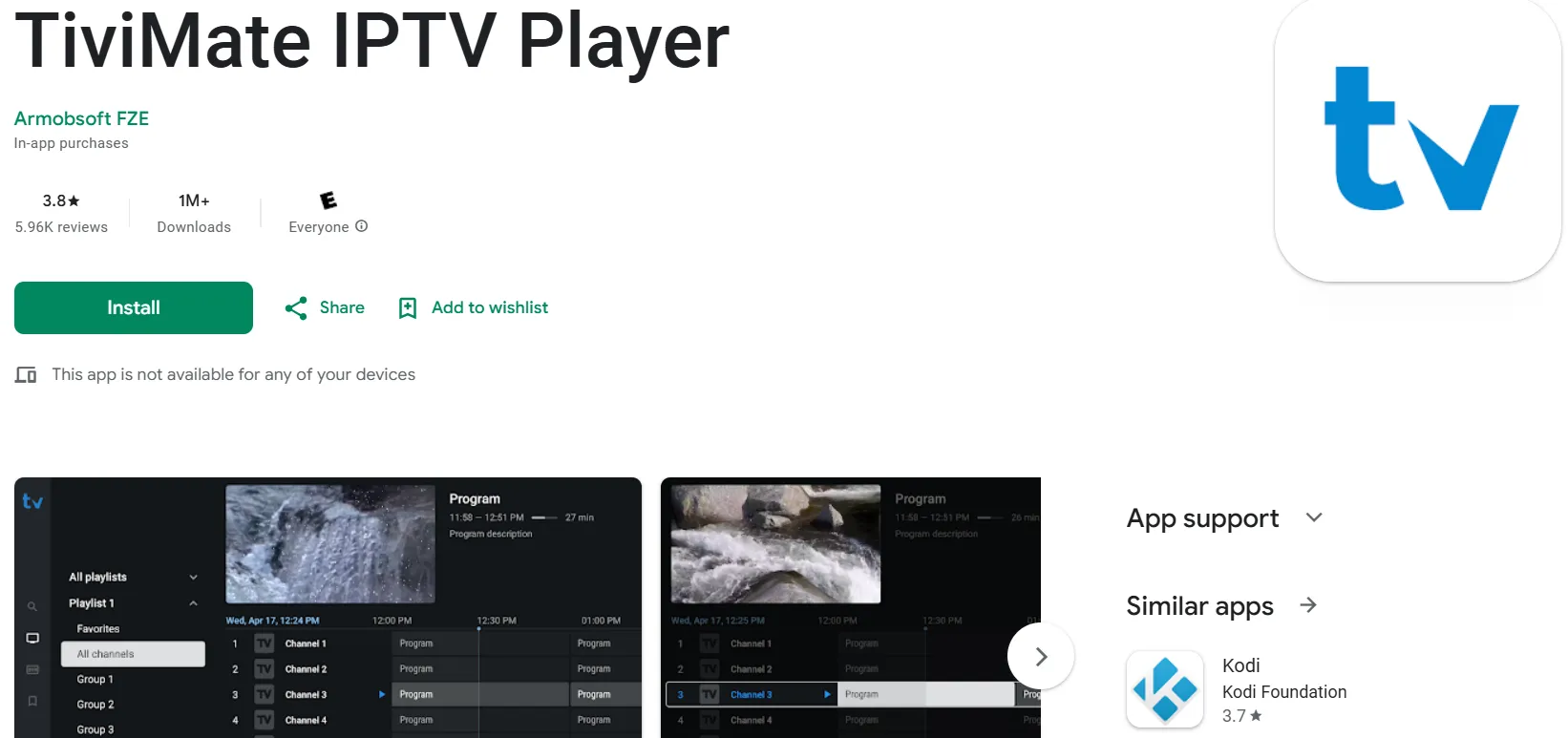
If you have an Android TV or Android Box:
-
Open the Google Play Store
-
Search for TiviMate
-
Click Install
-
Wait for the download to complete
-
Open the app
⚠️ Note: TiviMate is not available for regular Android smartphones — it is designed specifically for Android TV devices.
Method 2 — Install via Downloader (Firestick Users)
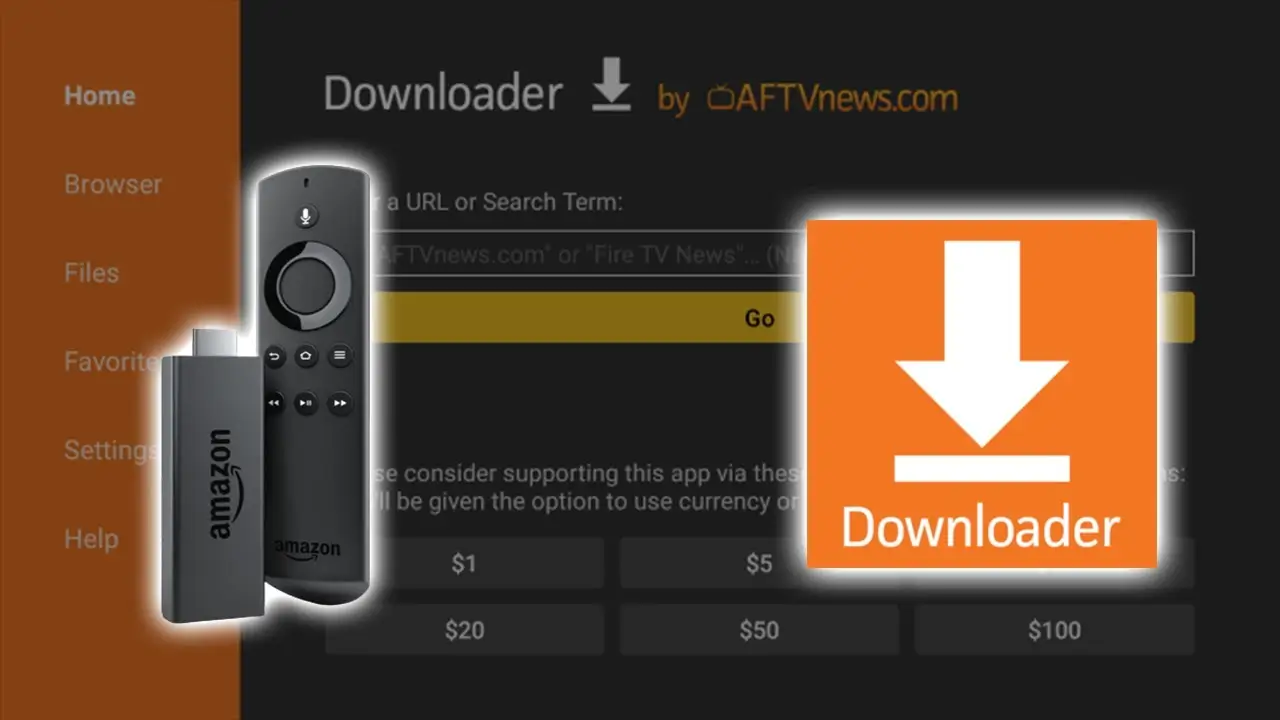
If you’re using an Amazon Firestick:
-
Install the Downloader app from the Amazon App Store
-
Open Downloader
-
Enter the code: 185194
-
Click Go to download the APK
-
Follow the on-screen instructions to install
Once installed, you’re ready to set up your IPTV Ireland subscription.
Is TiviMate Free or Paid?
TiviMate comes in two versions:
TiviMate Free Version
-
Watch live TV from one playlist
-
Basic features only
-
Limited customization
TiviMate Premium
Unlocks full functionality, including:
-
Multiple playlist support
-
Catch-up TV
-
Cloud recording
-
Advanced EPG controls
-
Multi-view (watch multiple channels at once)
-
Custom themes and layouts
💰 TiviMate Premium costs around $5 per year, making it one of the most affordable and powerful IPTV upgrades available.
How to Activate TiviMate Premium
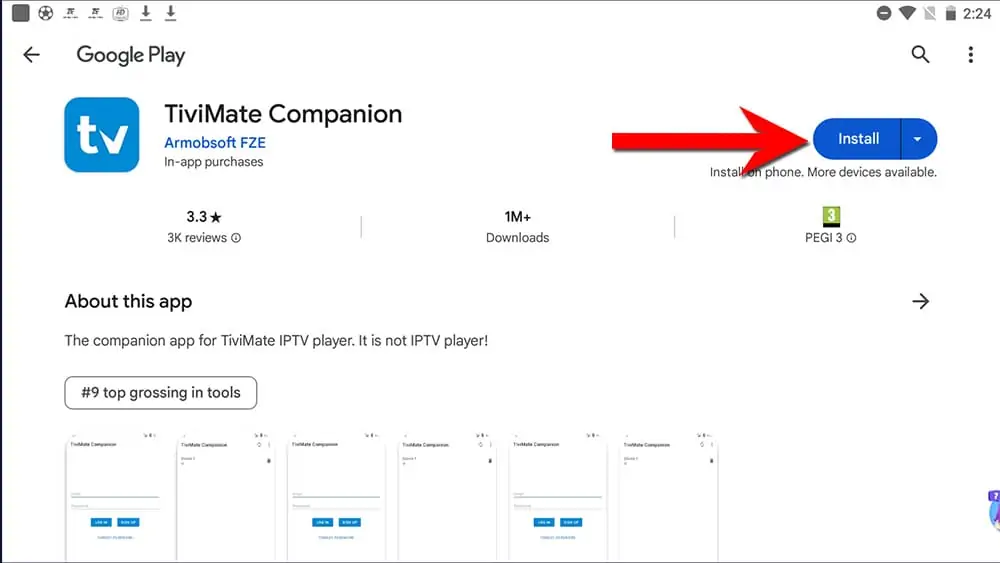
To upgrade to TiviMate Premium, you’ll need the TiviMate Companion App on your smartphone.
Steps:
-
Download TiviMate Companion from Google Play
-
Create an account or log in
-
Purchase your premium plan
-
Open TiviMate on your TV
-
Log in with the same account
-
Your premium features will unlock automatically
How to Set Up IPTV Ireland on TiviMate
Once installed, follow these steps to connect your IPTV Ireland service:
-
Open TiviMate
-
Click Add Playlist
-
Choose Login with Xtream Codes API
-
Enter your IPTV Ireland credentials:
-
Server URL
-
Username
-
Password
-
-
Click Next — your channels and VOD content will load instantly
Within seconds, you’ll have access to thousands of Irish, UK, and international channels via IPTV Ireland.
Best Features of TiviMate IPTV Player
1. Multiple Playlists
You can manage multiple IPTV subscriptions at once — perfect if you use different providers.
2. Catch-Up TV
Watch previously aired shows without missing anything.
3. Favorites List
Save your most-watched channels for quick access.
4. Recording
Record live TV and watch later — great for sports and movies.
5. Multi-View
Watch up to four channels at the same time — ideal for football fans.
6. Advanced Search
Quickly find channels, movies, or TV shows.
7. Parental Controls
Block adult content and protect younger viewers.
8. Customizable Interface
Change themes, layouts, and EPG styles to match your preference.
TiviMate vs Other IPTV Players
| Feature | TiviMate | Basic IPTV Apps |
|---|---|---|
| UI Design | Modern & smooth | Basic |
| Multi-Playlist | Yes | Rare |
| Catch-Up | Yes | Sometimes |
| Recording | Yes (Premium) | Rare |
| Multi-View | Yes | No |
| Stability | Excellent | Mixed |
For users in Ireland who want the best experience with IPTV Ireland, TiviMate is clearly superior.
Common Problems & How to Fix Them
❌ Playlist Not Loading?
-
Double-check your IPTV Ireland login details
-
Make sure the server URL starts with http:// or https://
-
Restart your internet connection
-
Disable VPN if you’re using one
❌ Premium Not Activating?
-
Confirm your TiviMate Companion login matches your app
-
Ensure your subscription is active
-
Restart the app and log in again
Is TiviMate Worth It for IPTV Ireland Users?
Absolutely.
If you want:
-
Better picture quality
-
Faster performance
-
More features
-
Professional layout
-
Smooth streaming
Then TiviMate + IPTV Ireland is one of the best combinations available today.
Final Verdict
TiviMate is one of the most powerful and user-friendly IPTV players on the market, especially when paired with a reliable provider like IPTV Ireland.
With its premium features, modern design, and excellent performance, it transforms how you watch IPTV on Firestick and Android TV.
If you’re serious about IPTV, TiviMate is a must-have app.